Verified fan guide
How to Paint Yourself in Paint and Seek
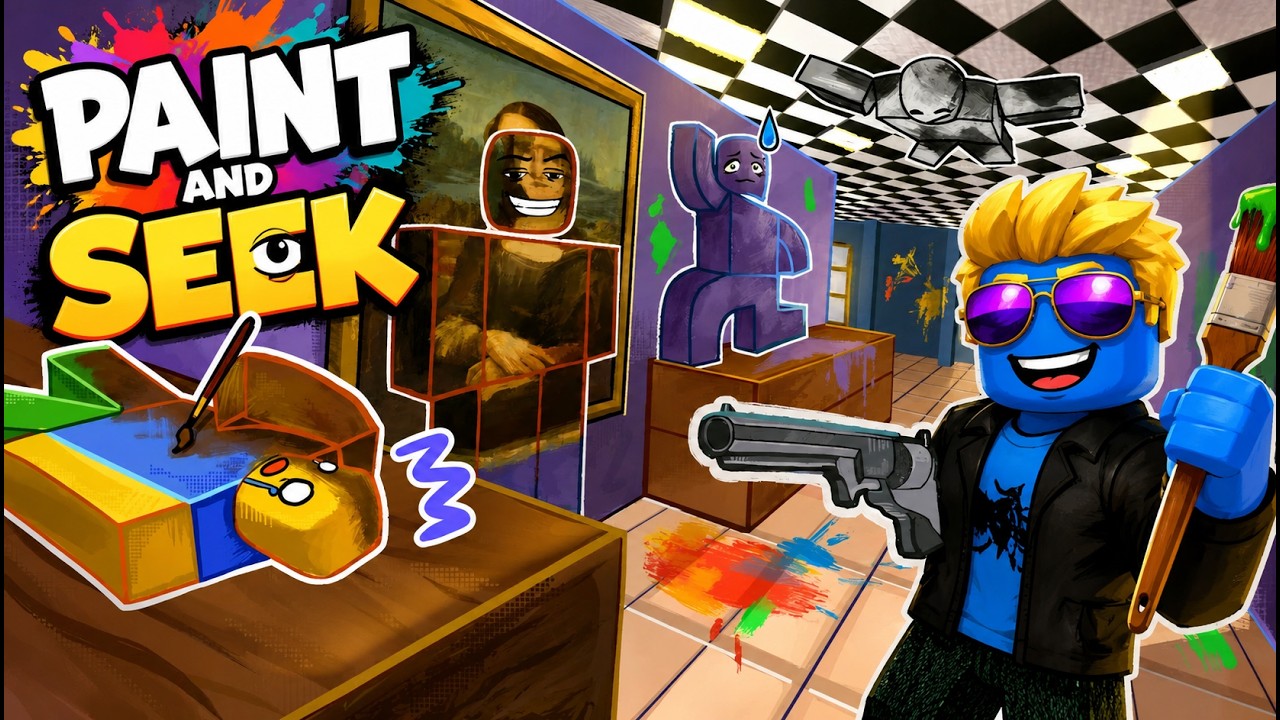
The paint tool is the mechanic that separates Paint and Seek from ordinary Roblox hide-and-seek games: paint yourself to match the surface behind you, then let angle, outline, and stillness support the disguise.
How to Paint Yourself in Paint and Seek
Find a surface you can actually reach, choose a color that matches the wall, floor, prop, or background area, then settle into a position where your outline looks natural. Painting yourself only helps if the camera angle and surface behind you make the disguise believable.
Color Matching Comes Before the Spot
A hiding spot that does not match your paint is usually weaker than a plain surface that does. Before you commit, look at the color family around you: wall panels, floor tiles, shelves, props, or artwork. The closer your body color is to the surface behind it, the less time a seeker has to notice your outline.
Think About Texture and Light
Public guides mention advanced paint behavior such as color picking and material adjustments, but players should verify the exact controls in-game. The strategy still holds: bright surfaces, shiny areas, and patterned backgrounds all change how believable your painted avatar looks. A color that works under one light can fail in a different corner.
Use Stillness as Part of the Tool
Paint does not make movement disappear. Once the seeker is close, stillness becomes part of the camouflage system. Small camera-facing turns, jumping, or repositioning can betray a good color match. If you must move, wait until the seeker looks away or checks another suspicious shape.
How Seekers Counter Paint
Seekers should train against the paint tool by looking for shapes that the map would not naturally contain. The color may be close, but the outline, spacing, or movement often gives the hider away. Learning paint tool logic helps both sides because every strong hiding rule has a matching seeker counter-rule.
Related Guide Pages
A beginner-friendly explanation of the Paint and Seek loop: paint yourself to blend in, hide with the environment, or search the map as a seeker.
Paint and Seek ControlsA controls-focused guide for Paint and Seek players who want cleaner movement, steadier camera checks, and fewer mistakes while hiding or seeking.
Paint and Seek Best Hiding SpotsThe best Paint and Seek hiding spots are not just secret corners; they are places where your paint color, outline, and seeker sightlines all work together.
Paint and Seek MapsA practical map hub for Paint and Seek players who want route thinking, hiding-angle checks, and seeker scan patterns without relying on fake map screenshots.
Paint and Seek Codes (August 2026)A source-labeled Paint and Seek codes page checked on August 20, 2026, separating the current official-description code from older roundup strings that still need an in-game test.
FAQ
What is the Paint and Seek paint tool?
It is the camouflage mechanic players use to paint themselves and blend with the environment while hiding.
Is perfect color matching enough?
No. Surface angle, silhouette, light, and movement all affect whether a painted hider is believable.
Can seekers counter the paint tool?
Yes. Seekers can look for outline breaks, motion, spacing, and surfaces that do not match a player shape.
Should I paint before choosing a hiding route?
Choose the surface and paint logic together so you do not run into a color mismatch late in the round.
Where does this fit with hiding spots?
Use this page with best hiding spots because color match and location quality are inseparable.