Verified fan guide
Paint and Seek Tips and Tricks
Short, practical Paint and Seek tips for players who want better rounds without memorizing a huge wiki.
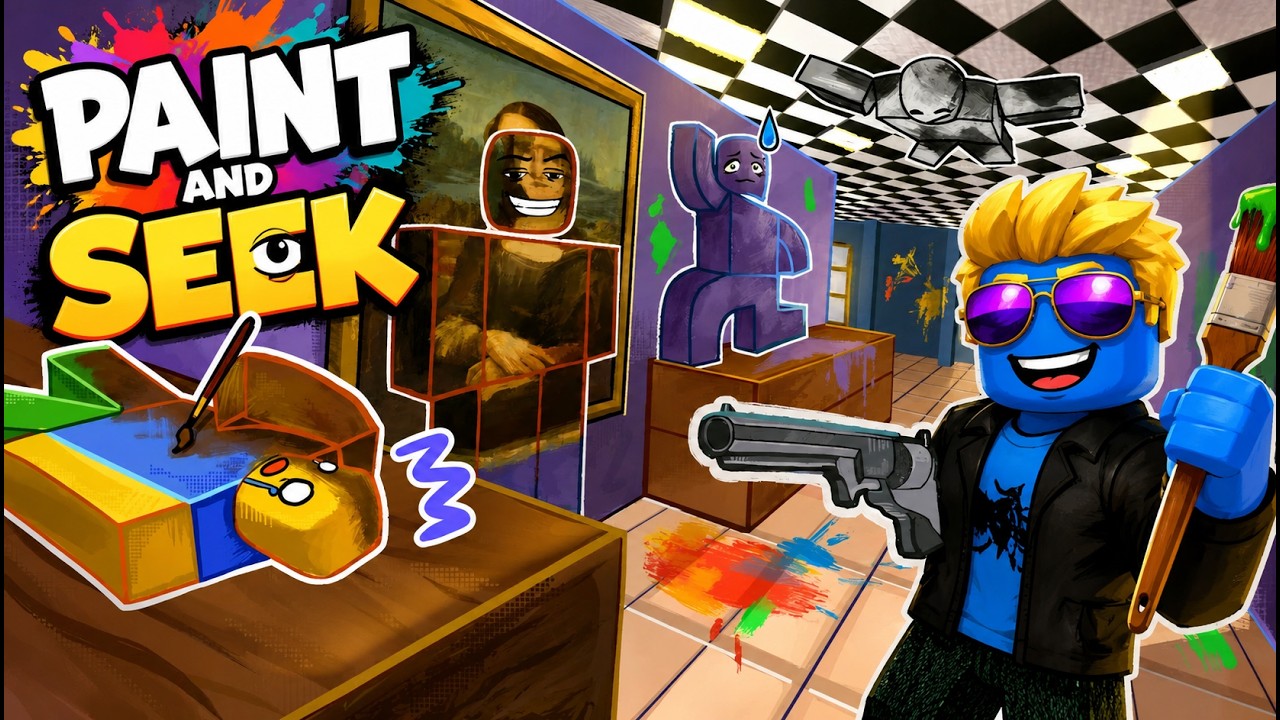
Pick a Plan Before the Round Gets Loud
Paint and Seek rounds punish hesitation. Decide early whether you are playing for a safer color match, a quieter route, or a risky spot that seekers may skip. When the round begins, follow that plan instead of drifting from one hiding idea to another. The fewer exposed decisions you make, the fewer chances seekers have to catch you moving.
Match the Area, Not Your Favorite Color
A color is only useful if the map around you supports it. Players often choose a color they like and then hunt for a matching spot too late. Reverse that habit: read the nearby surfaces first, choose paint that makes sense for those surfaces, and then use stillness to finish the disguise.
Change Your Seeker Route Each Round
If you always clear areas in the same order, experienced hiders learn when they are safe to move. Keep a basic route, but vary the first section or the timing of your return checks. A small route change can catch players who assume the seeker has fully left their area.
Mobile and Small-Screen Advice
On mobile, small outline details can be harder to see, so seekers should use slower camera sweeps and shorter scan distances. Hiders should be extra careful about accidental thumb movement because a tiny bump can reveal a good spot. If possible, keep your camera steady once you are hidden instead of constantly checking behind you.
Related Guide Pages
A source-labeled Paint and Seek codes page checked on August 20, 2026, separating the current official-description code from older roundup strings that still need an in-game test.
How to Play Paint and SeekA beginner-friendly explanation of the Paint and Seek loop: paint yourself to blend in, hide with the environment, or search the map as a seeker.
Paint and Seek Best Hiding SpotsThe best Paint and Seek hiding spots are not just secret corners; they are places where your paint color, outline, and seeker sightlines all work together.
Paint and Seek Seeker GuideA role-specific guide for seekers who want to clear areas faster and spot hiders using paint camouflage.
How to Paint Yourself in Paint and SeekThe paint tool is the mechanic that separates Paint and Seek from ordinary Roblox hide-and-seek games: paint yourself to match the surface behind you, then let angle, outline, and stillness support the disguise.
FAQ
What is the best Paint and Seek tip for new players?
Choose a color-safe area quickly, hide with your outline in mind, and stop moving once the seeker is nearby.
How can I get better as a seeker?
Use section-by-section scan routes and look for shape breaks, movement, and paint mismatches.
Are Paint and Seek tips different on mobile?
Yes. Smaller screens make subtle details harder to see, so slower camera sweeps and steadier movement help.
Should I memorize every hiding spot?
Memorizing helps, but understanding color match and sightlines is more flexible across map changes.
Where can I find Paint and Seek codes?
Use the codes page for active and expired code sections plus source notes.